


Introduction: Why Your Smartphone Is a Hacker’s Favorite Target
Your smartphone is more than just a device it’s your bank, your photo album, your ID, and your daily assistant, all rolled into one. That makes it a goldmine for hackers. In 2025, cybercriminals no longer just target desktops they go straight for the phones we can’t live without. If you’ve ever wondered how to protect your smartphone from hackers, you’re in the right place. This guide breaks down practical, beginner-friendly strategies that actually work no scare tactics, just proven methods.
If malware does sneak in, our Beginner’s Guide to Removing Malware explains cleanup step-by-step.
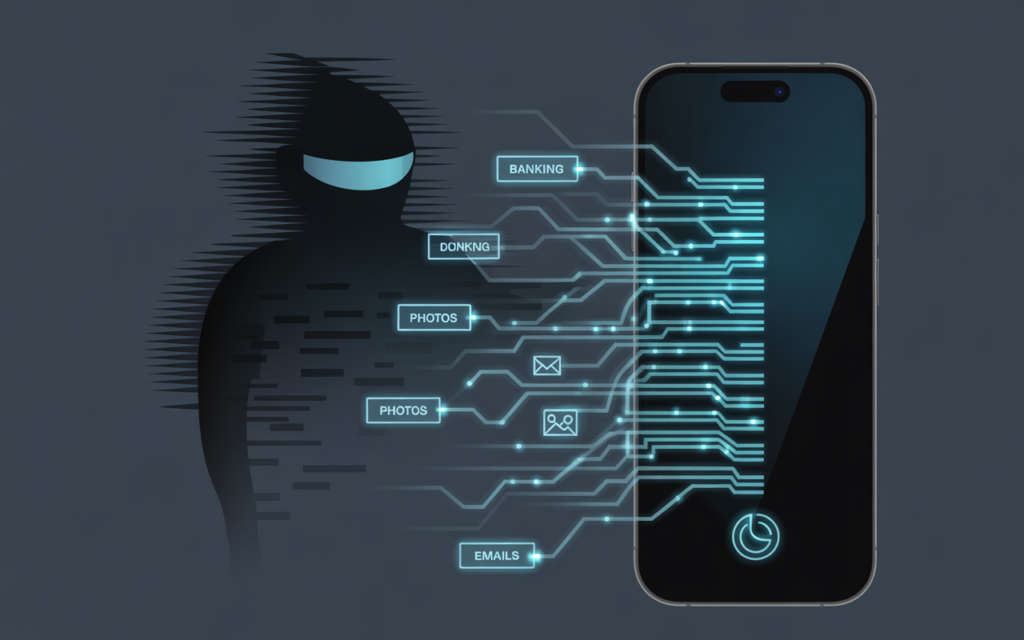
Why Smartphones Are So Vulnerable
- Always connected: Unlike PCs, phones are constantly online.
- Personal data overload: Banking, health, passwords—everything is stored there.
- App risks: Fake or compromised apps can open doors for hackers.
- Weak habits: Many people skip updates or use weak passwords.
Cybercriminals exploit these gaps using tactics like phishing texts, malicious Wi-Fi networks, or spyware hidden in “free” apps.
Why Smartphones Are So Vulnerable
- Always connected: Unlike PCs, phones are constantly online.
- Personal data overload: Banking, health, passwords—everything is stored there.
- App risks: Fake or compromised apps can open doors for hackers.
- Weak habits: Many people skip updates or use weak passwords.
Cybercriminals exploit these gaps using tactics like phishing texts, malicious Wi-Fi networks, or spyware hidden in “free” apps.
The Best Ways to Protect Your Smartphone from Hackers
1. Keep Your Software Updated
Hackers love outdated systems. Apple and Android push regular security patches, but many people ignore them.
- Turn on automatic updates.
- Restart your phone weekly to complete pending installs.
See Android security updates or Apple security updates for the latest patches.
2. Use Strong, Unique Passwords (and a Password Manager)
Weak or reused passwords are like leaving your front door unlocked.
- Enable two-factor authentication (2FA) for key accounts.
- Use a password manager to avoid memorizing dozens of logins.
Our Strong Password Guide explains how to build unbreakable credentials.
3. Beware of Public Wi-Fi
Hackers often set up fake “free Wi-Fi” networks to intercept your data.
- Avoid logging into banks or shopping apps on public Wi-Fi.
- Use a VPN for safe browsing.
The FTC guide on public Wi-Fi risks offers extra precautions.
4. App Safety: Think Before You Download
Even official app stores aren’t 100% safe. To minimize risk:
- Download only from Google Play or the Apple App Store.
- Check reviews and developer info.
- Limit app permissions (e.g., flashlight apps shouldn’t need access to your contacts).
5. Turn On Built-in Security Features
Modern smartphones come with powerful tools:
- Biometric locks: Face ID, fingerprint sensors.
- Find My Device (Android) / Find My iPhone: Track or remotely wipe a stolen phone.
- Encryption: Most phones now encrypt by default, protecting data if stolen.
6. Recognize Phishing Attempts
Hackers use texts, emails, and even social media to trick you into clicking bad links.
- Watch for urgency (“Your account will be locked in 24 hours!”).
- Double-check sender addresses.
- Never download attachments from unknown sources.
Our post on Cybersecurity Basics dives deeper into phishing awareness.
7. Install a Trusted Mobile Security App
Free tools exist, but the right mobile antivirus adds extra protection:
- Bitdefender Mobile Security – strong malware protection.
- Avast Mobile Security – beginner-friendly with extras like Wi-Fi scanning.
- Malwarebytes Mobile – excellent for cleanup.
See our Best Free Antivirus Review to choose one that fits your needs.
8. Control What Your Phone Shares
Smartphones constantly collect and transmit data.
- Turn off Bluetooth, location services, and NFC when not needed.
- Review privacy settings for apps like Facebook, Instagram, and TikTok.
- Limit background data sharing.
Quick Comparison Table: Essential Protections
| Protection Method | Risk It Prevents | Beginner Tip |
|---|---|---|
| Software Updates | Exploited vulnerabilities | Turn on auto-updates |
| Strong Passwords + 2FA | Account hacking | Use password manager |
| VPN on Public Wi-Fi | Data theft | Install trusted VPN |
| App Safety | Spyware & fake apps | Check permissions |
| Built-in Security Features | Device theft | Enable Find My Device |
| Anti-Phishing Awareness | Social engineering | Pause before clicking |
| Mobile Security Apps | Malware, spyware | Start with Avast/Bitdefender |
| Privacy Controls | Data leaks | Turn off unneeded permissions |
Final Thoughts: Build Habits, Not Just Defenses
The truth is, no tool alone will protect you. Hackers succeed when users get careless. The most effective way to protect your smartphone from hackers is to combine:
- Smart habits (updates, passwords, awareness).
- Built-in phone features.
- Trusted apps and antivirus tools.
That combination makes you a much harder target.
👉 Your Next Step: Enable 2FA today, check your phone’s update status, and try out one of the mobile security apps we recommended. Small steps now save huge headaches later.
CTA: For more digital safety tips, explore our guide on Removing Malware or bookmark our Cybersecurity Basics page.


