


Introduction: Why Email Hacks Are More Common Than You Think
Imagine waking up to find spam messages sent from your account or password reset emails you never requested. Scary, right? That’s the reality for millions of people every year. Hackers love email accounts because they’re the gateway to everything else social media, bank accounts, even work systems.
So if you’re wondering how to check your email was hacked, the good news is: you don’t need to guess. There are free, reliable tools and methods to check and we’ll guide you through them in this 2025 beginner friendly guide.
If you suspect malware is behind your hack, check our Beginner’s Guide to Removing Malware.
Signs Your Email Might Be Compromised
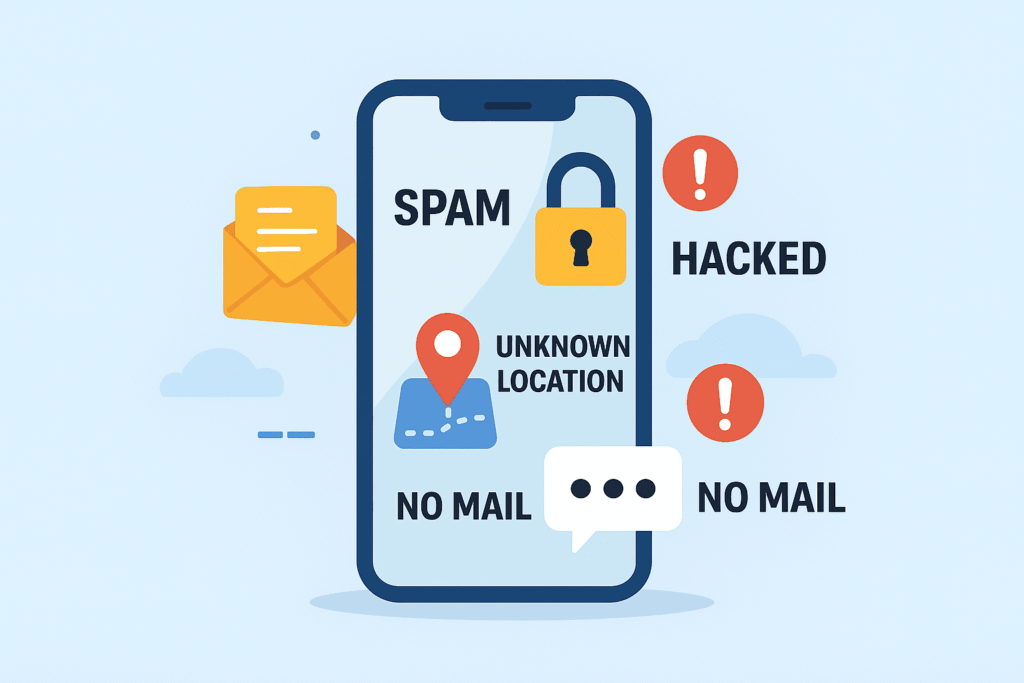
Before diving into tools, here are common red flags:
- Password reset emails you didn’t request.
- Friends report receiving strange emails from you.
- Unexpected logins from unknown locations.
- Missing messages (hackers may delete traces).
- Locked out of your account despite using the right password.
Free Tools to Check if Your Email Was Hacked
Here are trusted, easy to use resources:
1. Have I Been Pwned (HIBP)
One of the most popular and reliable tools.
- Go to Have I Been Pwned.
- Enter your email address.
- It will show if your email appears in any known data breaches.
Why it’s great: Simple, fast, and frequently updated.
2. Firefox Monitor
Powered by the same database as HIBP but with ongoing monitoring.
- Visit Firefox Monitor.
- Enter your email to check.
- Option to get alerts if your email appears in future breaches.
3. Google Account Security Checkup
If you use Gmail, Google offers its own security checkup.
- Visit Google Security Checkup.
- Review devices, apps, and suspicious sign-ins.
4. Microsoft Account Security
For Outlook, Hotmail, and Office 365 users.
- Log into your Microsoft account security page.
- See recent activity, including suspicious logins.
5. BreachAlarm
Another tool that scans breach databases for your email.
6. Email Provider Activity Logs
Most email providers (Gmail, Outlook, Yahoo) let you view recent login activity:
- Devices used.
- Locations/IP addresses.
- Time and date of access.
For beginners, understanding IP addresses can feel tricky our Cybersecurity Basics Guide makes this simple.
Quick Comparison Table: Free Email Hack Check Tools
| Tool | Best For | How It Works | Extra Features |
|---|---|---|---|
| Have I Been Pwned | Fast, one-time checks | Scans global breach database | Alerts for new breaches |
| Firefox Monitor | Ongoing monitoring | Same as HIBP | Email alerts |
| Google Security Checkup | Gmail users | Scans login history & apps | Strong recovery options |
| Microsoft Security | Outlook users | Shows recent logins | Two-step verification setup |
| BreachAlarm | Alternative scans | Monitors password leaks | Paid monitoring options |
What to Do if Your Email Was Hacked
1. Change Your Password Immediately
- Use a strong, unique password.
- Don’t reuse passwords across accounts.
See our Strong Password Guide for step by step help.
2. Enable Two-Factor Authentication (2FA)
Even if hackers get your password, 2FA stops most breaches.
3. Scan for Malware
Hackers often gain access through infected devices. Use antivirus tools like Avast or Malwarebytes.
Our Best Free Antivirus Review highlights the most reliable free options.
4. Check Recovery Options
Make sure your recovery phone and email are correct hackers often change them.
5. Notify Contacts
Warn your friends/colleagues if spam was sent from your account.
6. Review Connected Accounts
Email often serves as the login for other services reset those too.
How to Prevent Future Hacks
- Turn on login alerts with your provider.
- Use a password manager.
- Be cautious with phishing emails (don’t click suspicious links).
- Keep your phone and computer updated.
Our post on How to Protect Your Smartphone from Hackers explains how mobile security plays into email safety too.
Personal Perspective: My First Email Breach
A few years ago, I got an alert from HIBP that my old Yahoo email was in a breach. At first, I ignored it. A week later, friends told me they got strange emails from me. That was the wake up call I changed my password, enabled 2FA, and moved sensitive accounts to a safer email provider.
Lesson learned: don’t wait for disaster proactive checks save you stress.
Final Thoughts: Stay Alert, Stay Secure
Learning how to check your email was hacked isn’t just about damage control it’s about prevention. With free tools like Have I Been Pwned and built-in email security checks, you can monitor your accounts with ease.
👉 Your Next Step: Run your email through one of the tools today. Then, secure your account with a fresh password and 2FA.
For more practical guides, explore:

